Every plugin. One app.
Install any RIPPLES plugin, keep your licence keys in one place, and get updates the day they land.
- Signed and notarised on Mac
- Free to use
- No account needed for free plugins
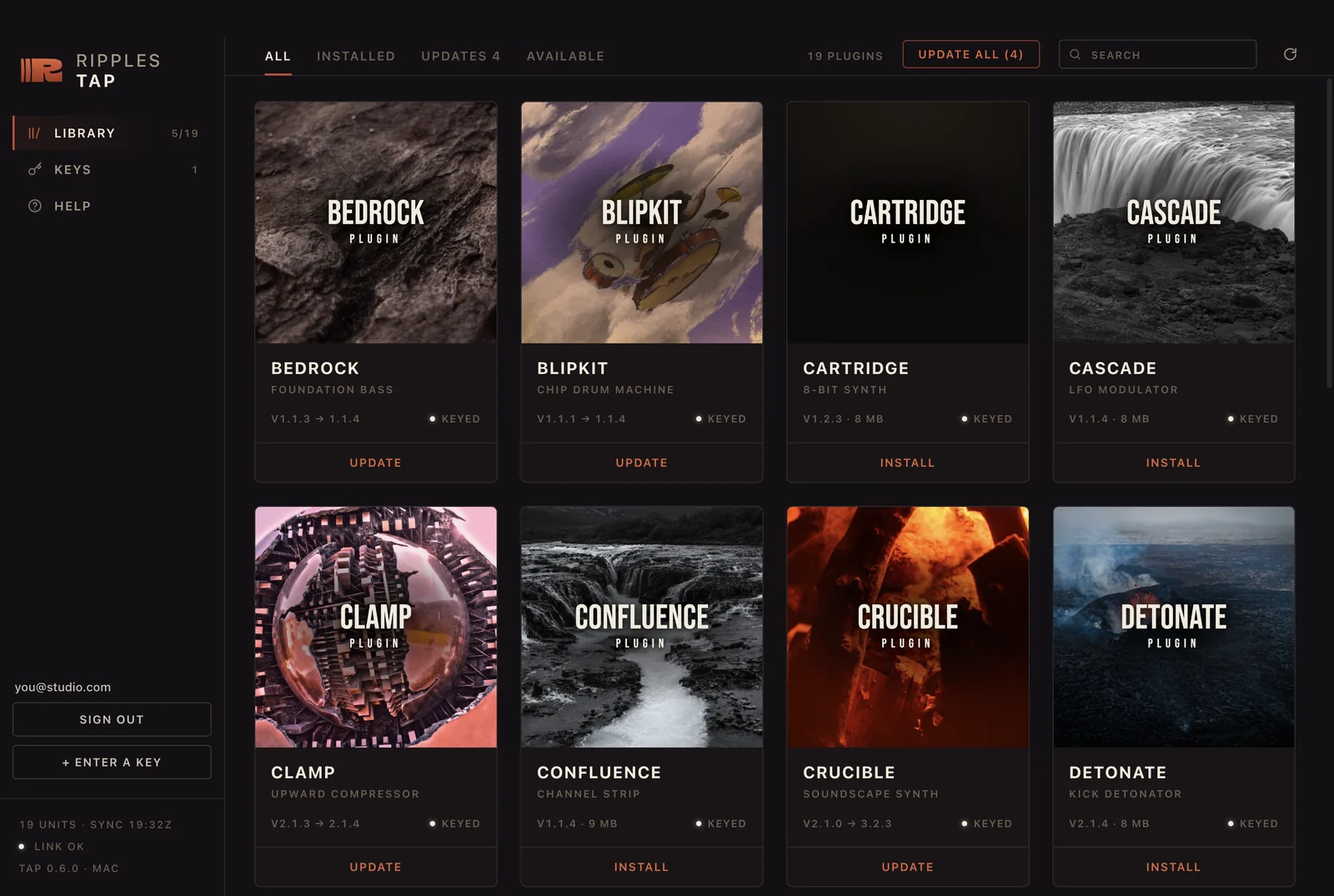
Get RIPPLES Tap
One download for your computer. It is small, and it holds every plugin we make.
Sign in
Sign in and RIPPLES Tap fills itself in - every licence you own, and any trial you start. Your keys reach you by email too.
Install
Pick what you want and press install. On a Mac, one password covers the whole batch. Restart your DAW and they are there.
Install the lot in one go.
Tick what you want and press install. One password covers the whole batch on a Mac, and every plugin reports its own progress as it lands.
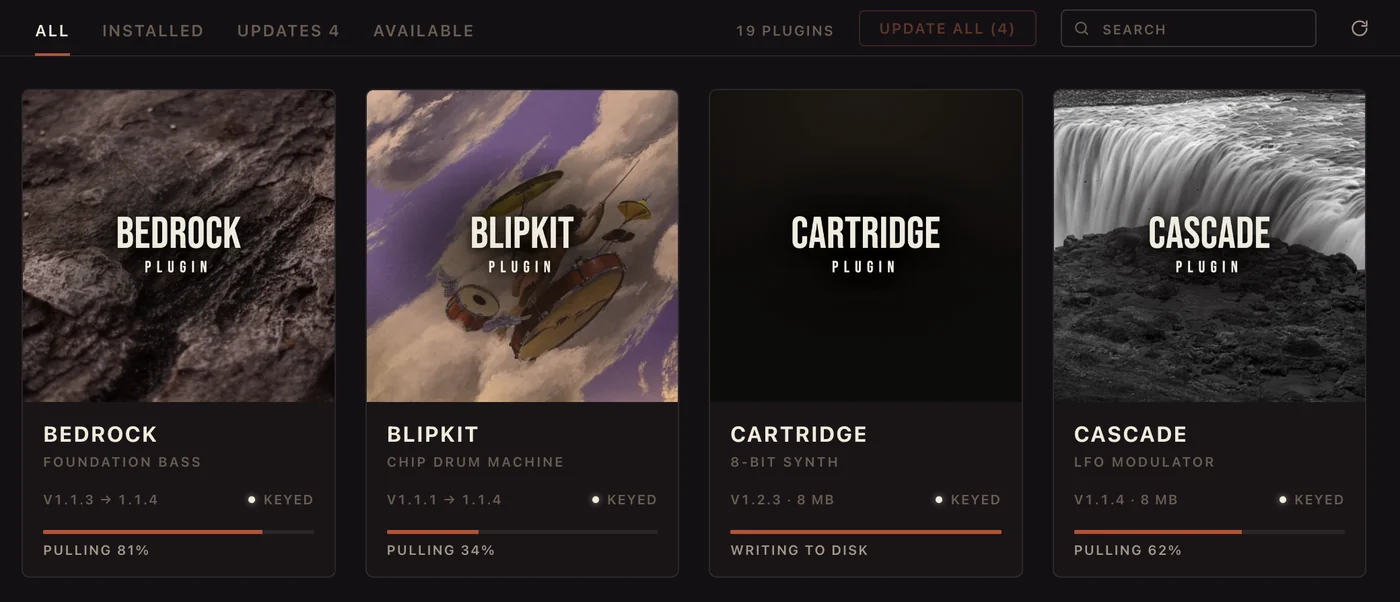
Updates you can see coming.
RIPPLES Tap reads the version sitting on your disk, so it shows what you are actually running and what is waiting. One button takes them all.
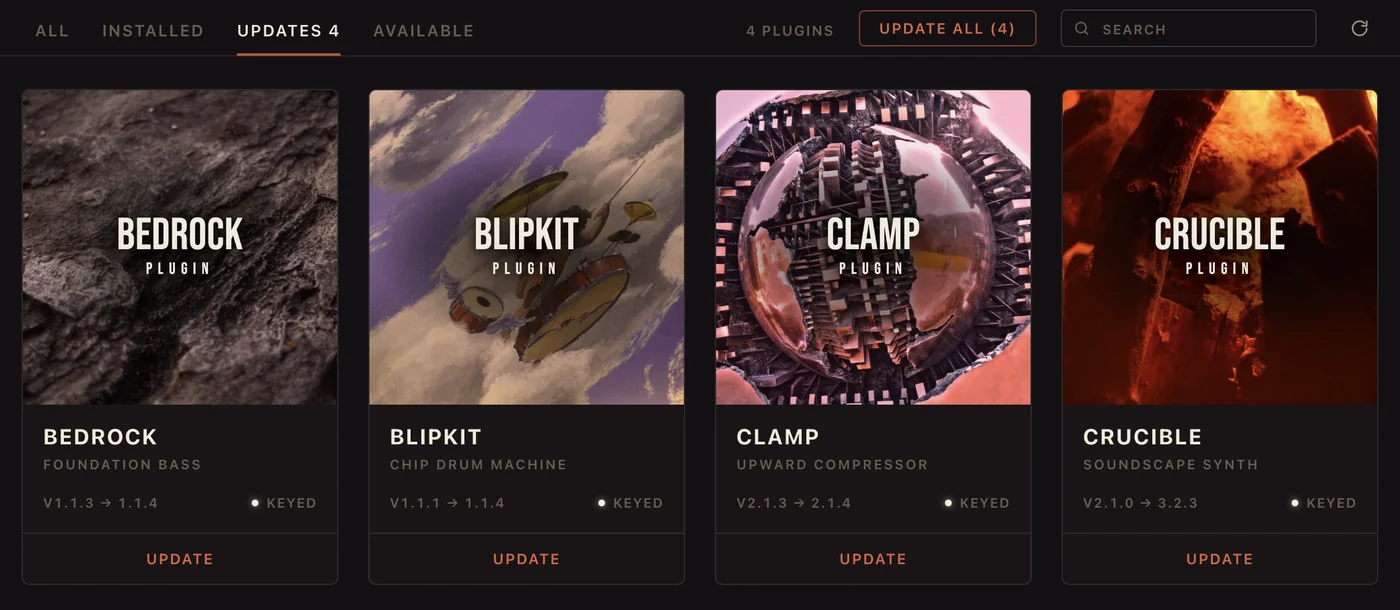
Hear it before you install it.
Every plugin carries its own audio demos. Listen first - nothing touches your system until you say so.
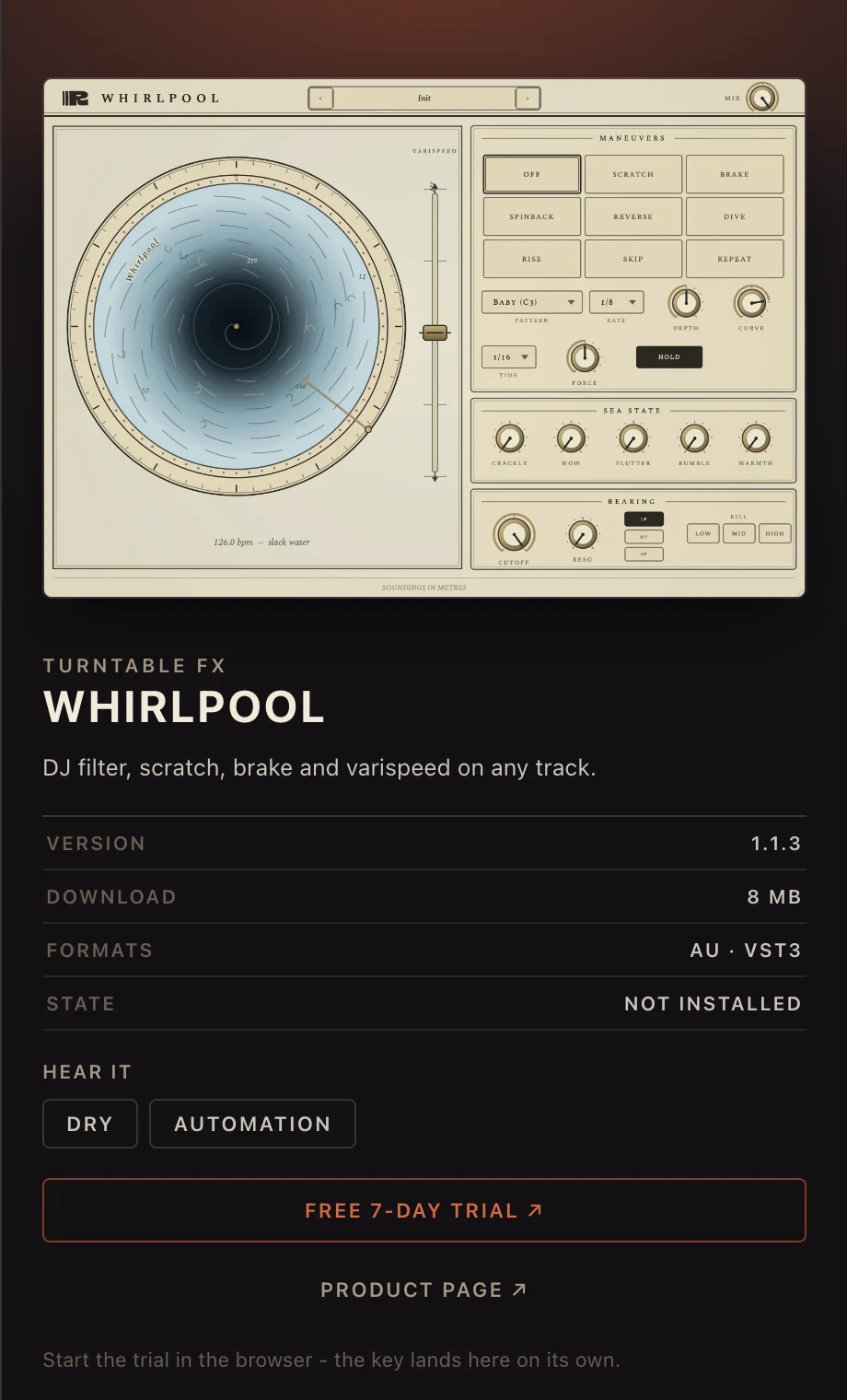
Your keys, in one place.
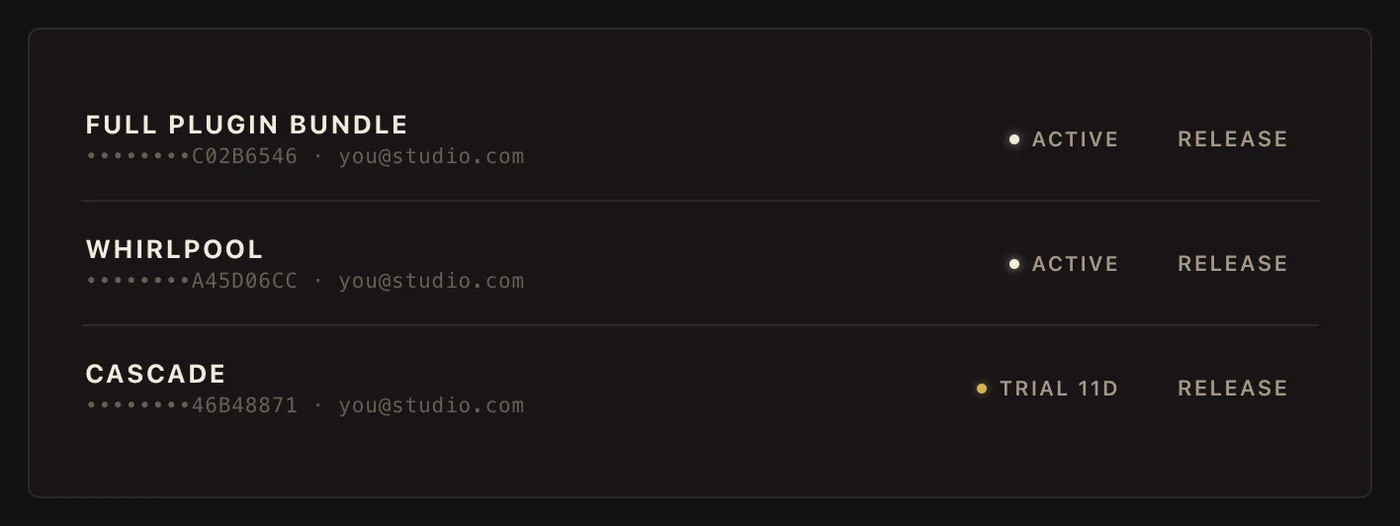
Sign in once and your licences are simply there. Moving to a new machine is two clicks - release the old computer, activate the new one. No support ticket, no waiting on us.
Straight answers.
Do I have to use RIPPLES Tap?
For paid plugins, yes - RIPPLES Tap is what activates your licence, so it is how a paid plugin starts making sound. Our free plugins work through it too, and they never ask for a key.
Where do I get a key?
Buying a plugin sends you one by email, and it is waiting for you in your account as well. Sign in from RIPPLES Tap and it arrives on its own. Free plugins need no key at all.
Can I use my plugins on more than one computer?
Yes. A paid key activates on three computers, a trial on two. If you run out, open RIPPLES Tap on a machine you no longer use and press Release - that frees the slot straight away.
Do I need to be online?
Only to download a plugin or activate a key. Once a plugin is installed and activated it runs offline, and RIPPLES Tap shows your library even with no connection.
Something went wrong
If a plugin does not appear in your DAW, quit the DAW completely and open it again - most DAWs only scan for new plugins at startup.
Still stuck? Open a support ticket and we will sort it out.
One tap from here.
Free to use · your plugins and keys are waiting inside.
New plugins, first.
Be the first to hear when a new plugin drops - plus free sounds and studio notes. No schedule, no spam - just the good stuff.